How to Add Multiple Links to Your Instagram Bio (2026 Guide)
Two ways to put more than one link in your Instagram bio: Instagram's built-in links and a link in bio page. Step-by-step setup, what to include, and mistakes to avoid.
7 min read
On this page · 9 sections
Instagram is where people discover you, but it is a terrible place to send them anywhere. Captions are not clickable, Reels push viewers to the next Reel, and your profile has exactly one spot where a link can live. If you sell something, run a YouTube channel, take bookings, or simply want people to find your other profiles, that one spot has to do a lot of work.
This guide covers the two reliable ways to add multiple links to your Instagram bio, when to use each, and how to set up a page that people actually tap.
Why one link is not enough anymore
Most creators and small businesses now have more than one place they want to send people: a latest video, a shop, a WhatsApp chat, a newsletter, a portfolio, a booking form. Swapping the single bio link every time you post something new creates two problems.
- Old posts break. A Reel that says "link in bio" keeps getting views for weeks. If the link has changed, those viewers land somewhere unrelated and leave.
- You lose the other doors. While the link points at your new video, nobody can find your shop, your rate card, or your contact details.
The fix is to stop treating the bio link as a single destination and start treating it as a front door.
Option 1: Use Instagram's built-in links
Instagram lets you add up to five links directly to your profile. It is free and takes about a minute.
- Open your profile and tap Edit profile.
- Tap Links, then Add external link.
- Paste the URL, add a short title, and tap Done.
- Repeat for up to five links.
This works, but there are trade-offs you should know about:
- Visitors see only the first link on your profile. The rest are hidden behind a small "and more" label that many people never tap.
- You get no data on which links are clicked or where your visitors came from.
- You cannot add buttons that start a WhatsApp chat, show a contact form, or display your location.
- The links only live on Instagram. Your TikTok, YouTube, and LinkedIn profiles each need their own setup.
Built-in links are fine if you only need two or three plain URLs and do not care about analytics.
Option 2: Use a link in bio page
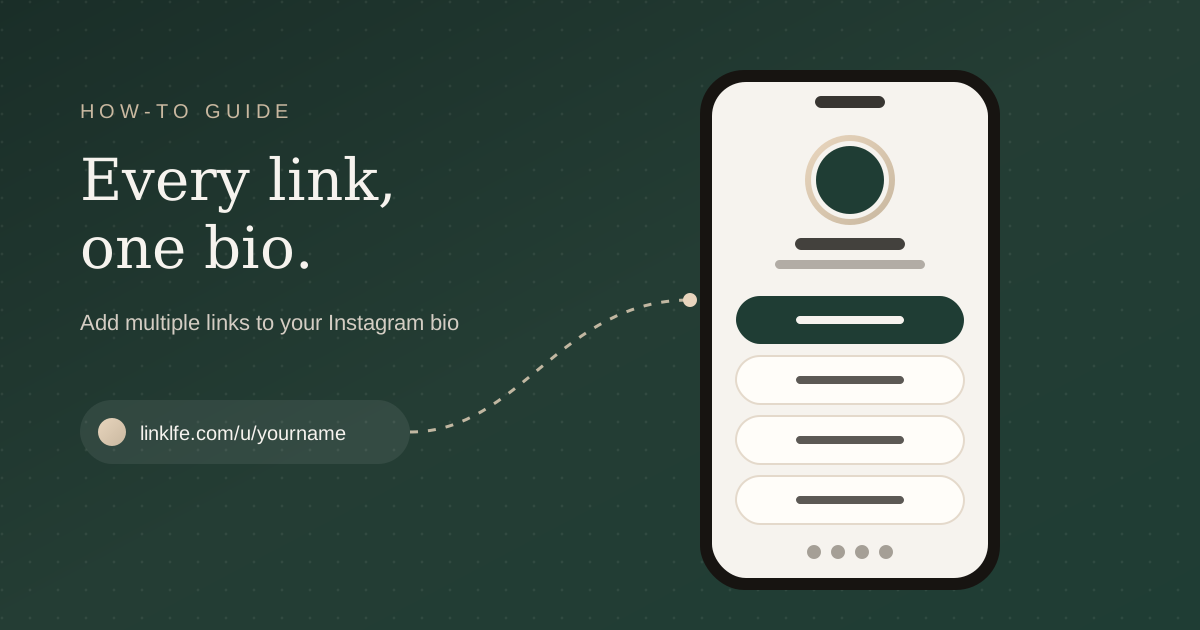
A link in bio page is a small, mobile-first page that holds all your links, social icons, and contact options behind one short URL. You put that single URL in your Instagram bio (and on every other platform), and visitors pick where they want to go.
The advantages over built-in links:
- Everything is visible at once. No hidden "and more" menu.
- One link works everywhere. Use the same URL on Instagram, TikTok, YouTube, LinkedIn, X, and your email signature.
- You can see what works. Views, clicks, and traffic sources show you which links earn attention.
- More than links. Add WhatsApp, email, a contact form, a newsletter signup, a video, or your shop location.
- Updating is instant. Change a link once and it updates everywhere you shared it.
How to set up your link in bio page with Linklfe
Here is the full setup using Linklfe. It is free, and you can have a working page in a few minutes.
Step 1: Create your account and claim your name
Go to linklfe.com/signup and sign up with your email or Google. Choose a username that matches your Instagram handle so people recognise it. Your page will live at linklfe.com/u/yourname.
Step 2: Pick a template
Linklfe has 19 templates, from clean and minimal to bold, editorial, and niche looks for fitness, fashion, and education creators. Pick one that matches your feed. You can switch at any time, and your links move with you, so you are not locked into the first choice.
Step 3: Add your most important links first
Add links from the My Page editor. Put the link you most want people to tap at the top. For most people that is one of these:
- The thing you are promoting right now (a new video, a launch, an offer)
- Your shop, booking page, or service menu
- A WhatsApp or email button for enquiries
Then add the supporting links underneath. Keep each title short and specific: "Watch the new vlog" beats "YouTube".
Step 4: Add your social icons
Tap Social icons and choose the platforms you use: Instagram, YouTube, LinkedIn, X, GitHub, Facebook, TikTok, or your website. Paste each profile URL. Icons sit neatly in a row, so they do not crowd out your main links.
Step 5: Add a profile photo and a one-line bio
Use the same photo as your Instagram profile so visitors know they are in the right place. Write one line that says what you do and who it is for.
Step 6: Publish and copy your link
Publish the page, then use Share to copy your URL or download a QR code for print, packaging, or your shop counter.
Step 7: Add the link to your Instagram bio
On Instagram, tap Edit profile, then Links, then Add external link, and paste your Linklfe URL. If you already have built-in links, move your Linklfe link to the first position so it is the one visitors see.
What to put on your link in bio page
A good page is short. Aim for four to seven links. More than that and visitors skim past everything. A structure that works for most creators:
- One featured link for your current priority
- Your main offer such as a shop, services, or booking page
- A way to contact you through WhatsApp, email, or a contact form
- Your best evergreen content like a popular video, guide, or portfolio
- Social icons for everywhere else you post
If you run a business or work freelance, our guide to link in bio ideas for small businesses and freelancers has page layouts by industry.
How to get people to tap your bio link
Having the link is half the job. People need a reason to tap it.
- Say what they will find. "Free meal plan in my bio" converts far better than "link in bio".
- Mention it in Stories. Use the link sticker for time-sensitive offers, and point to the bio for everything else.
- Pin a post that explains it. A pinned Reel or carousel that walks through your page works well for new followers.
- Keep the first link fresh. When a post sends people to your bio, make sure the matching link is at the top.
- Check your analytics. If a link gets views but no clicks, rename it or move it down.
Common mistakes to avoid
- Too many links. Ten links with equal weight means nobody knows where to start.
- Vague titles. "Click here" and "Website" give people no reason to tap.
- Broken or outdated links. Test your page on your phone every time you change it.
- Mismatched branding. A page that looks nothing like your feed feels like a scam.
- Forgetting other platforms. Use the same link on TikTok, YouTube, LinkedIn, and X so every audience lands in the same place.
Frequently asked questions
How many links can you add to an Instagram bio?
Instagram allows up to five links in the profile, but only the first is shown directly. A link in bio page lets you show as many links as you like on one screen.
Do I need a business account to add links?
No. Personal, creator, and business accounts can all add links to their profile.
Is a link in bio page free?
Linklfe has a free plan that keeps your page online with your links, social icons, and templates. You can compare other options in our roundup of the best free link in bio tools for creators.
Will a link in bio page slow down my profile?
No. The page lives outside Instagram. Your profile loads exactly as before; the page opens only when someone taps the link.
The short version
Use Instagram's built-in links if you need two or three plain URLs. For everything else, put one link in bio page in that first slot, keep it short, lead with your priority, and check your analytics to see what people actually tap. You can create your free Linklfe page and have it in your bio today.
Linklfe
Create your free Linklfe page in 60 seconds
Put every link, social profile, and contact option behind one clean URL you can drop into any bio.
- Free plan, no card needed
- Links, socials, and templates
- Views and clicks in one dashboard
- #creators
- #tutorial